Mark what should go, press Remove, and download the photo.
Download Same format
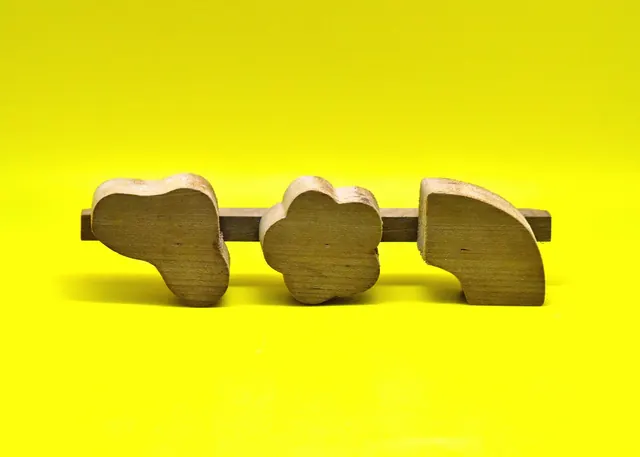
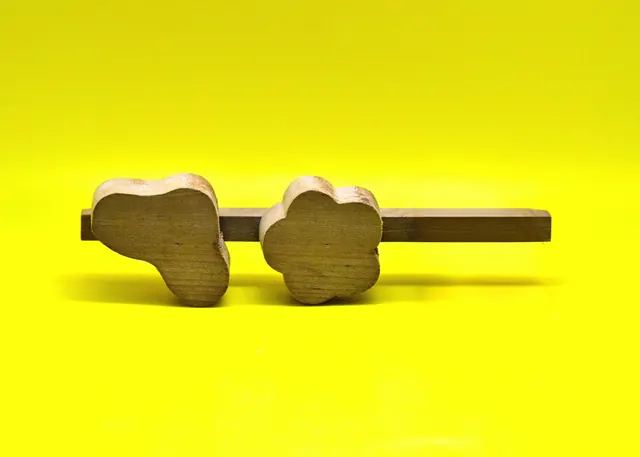
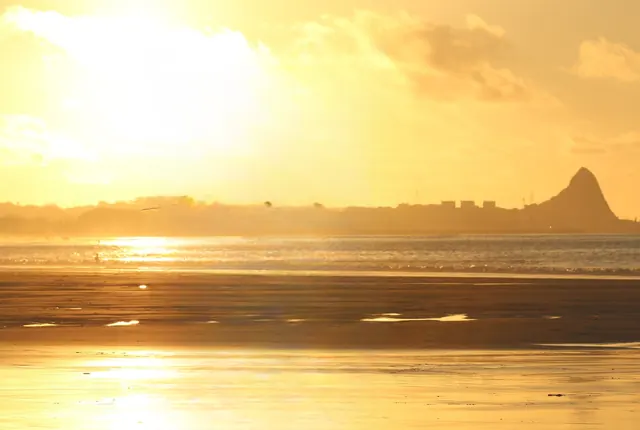
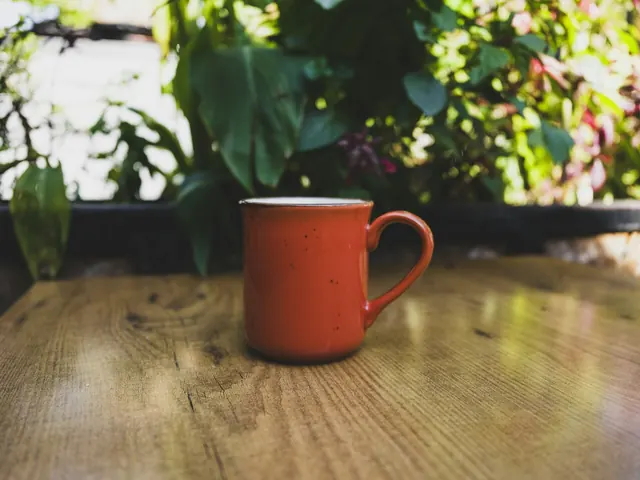
Before and after
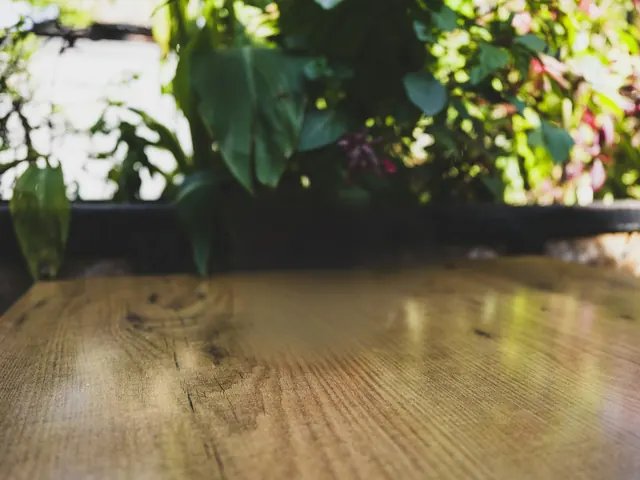
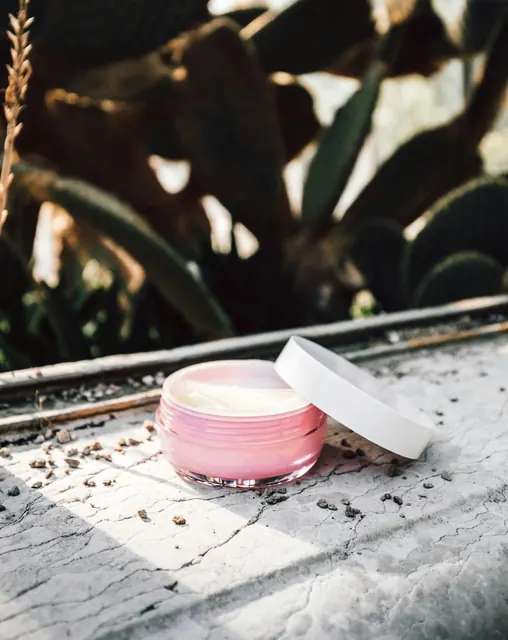
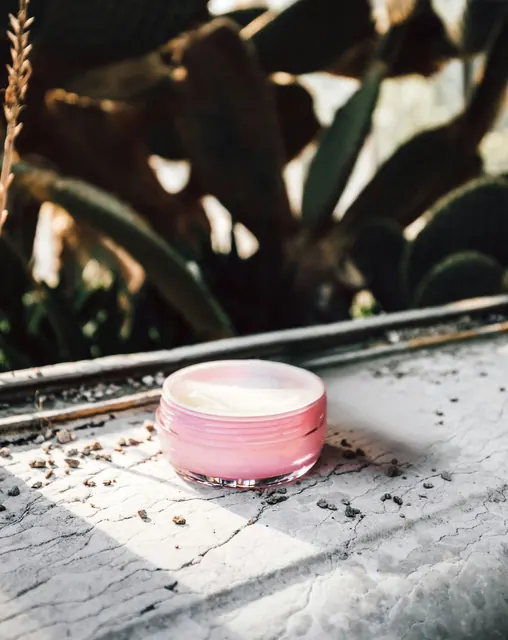
Our own photos, the marked part filled by the same model your photos go through. Drag the line.

Good to know
What it does
For your own photos: date stamps, objects, people in the background. Mark what should go with the Brush, a Box or a Lasso and press Remove; the area is filled from what is around it, on our server, and deleted there after.
Only a square around the marked area goes up and changes. It is cut from the full photo, at least 512 pixels wide and 2.2 times the marked area, and comes back filled at the same size; a shadow or a reflection beside the object can change too. The rest of the photo stays on your device and keeps every pixel.
Each mark and each removal is one step, so Undo takes them back one at a time. Hold to compare shows the photo as it was for as long as you hold it.
What works best
- A date stamp or a small object on sand, sky, grass, a wall or a table: one pass is usually clean.
- A person in the background: brush the whole person and their shadow; what is behind them is continued from around them.
- A large object, or one touching another: remove it a part at a time. One big pass can leave a soft or made-up area; Undo and try a smaller one.
Examples
- A date stamp 200 × 60 pixels on a 4000 × 3000 photo: the square sent is 512 × 512 pixels of the photo itself.
- A person 300 × 600 pixels in the background of the same photo: a 1320 × 1320 square around them is sent, and nothing outside it.
- A cup on a plain table, brushed without its shadow: the cup goes, the shadow stays until it is brushed too.
How to remove an object from a photo
- Add your photo; the free plan takes 100 at once, 25 MB each, and each photo keeps its own removals.
- Set the brush size (1% to 20% of the photo’s shorter side) and brush over the object and its shadow, with a little margin. Box takes a square area by dragging, Lasso whatever you draw around, and Unbrush takes off a part marked by mistake.
- Press Remove and check the result, then download the photo, or all of them as a ZIP.
Questions
What leaves my device?
Only the square around what you marked, when you press Remove, as a copy without the details a camera writes into a photo. Our server answers and deletes it. A line by the button says so. The rest of the photo stays on your device.
Does it work on my phone?
Yes. Mark with your finger; the filling happens on our server, so a phone gets the same result as a computer.
Can I remove things from several photos at once?
Remove works on one photo at a time: mark what should go on a photo and press Remove, then do the next one.
How good is the result?
Best where the background is plain or repeats: sand, sky, grass, walls, tables, brick. Busy scenes, large objects and objects touching others can leave a soft or made-up patch; a smaller pass usually does better.
How many photos and how big can they be?
On the free plan you can add up to 100 photos at once, 25 MB and 8,200 px each. Remove takes up to 5 jobs a day on our server on the free plan.
Questions every tool shares are answered on the FAQ page.