Add a filter to a photo, from black and white to a pencil sketch.
Download Same format
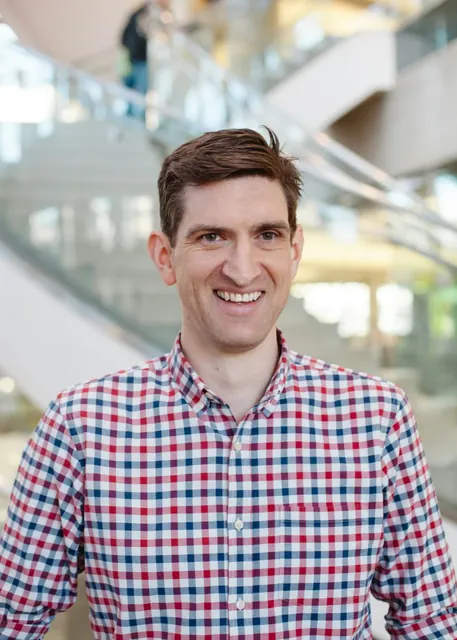
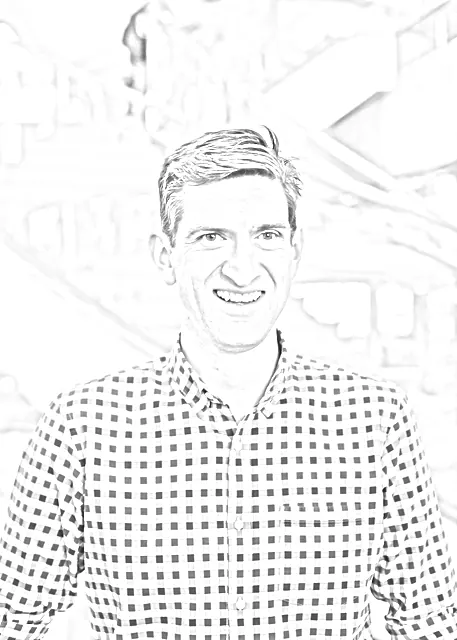
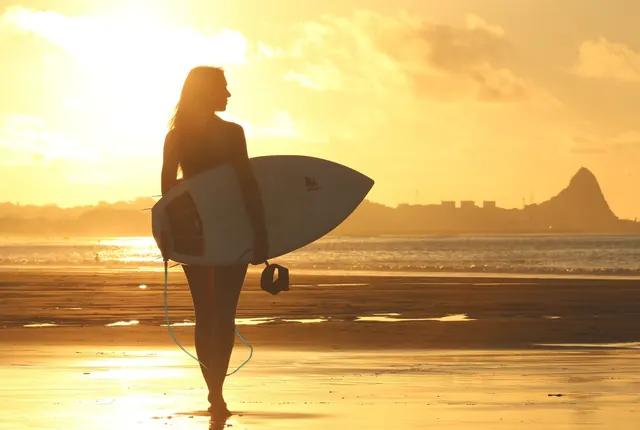
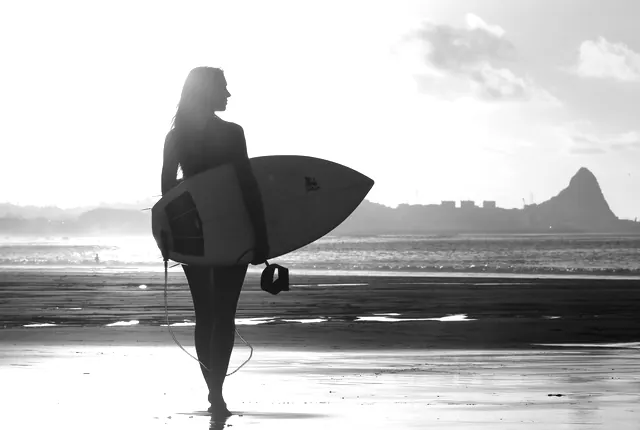
Before and after
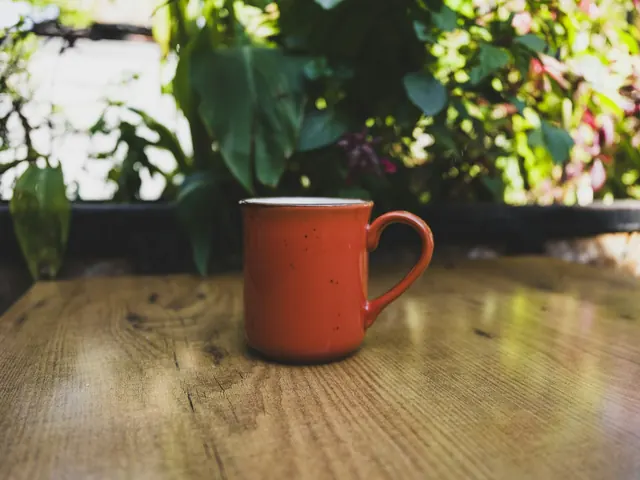
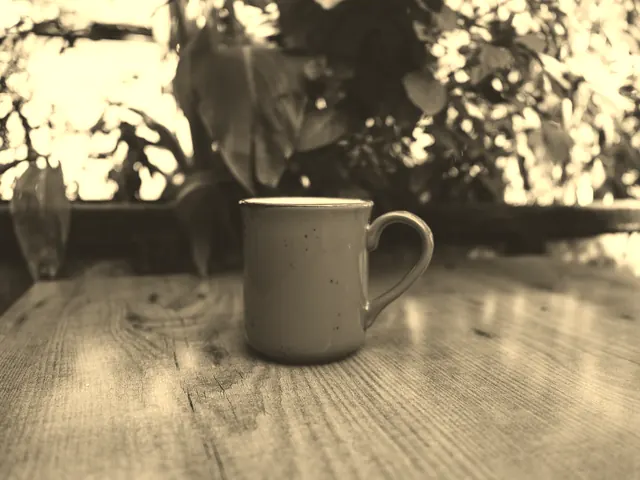
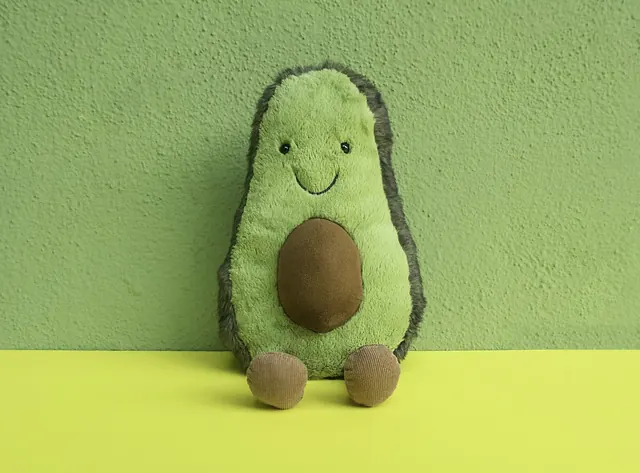
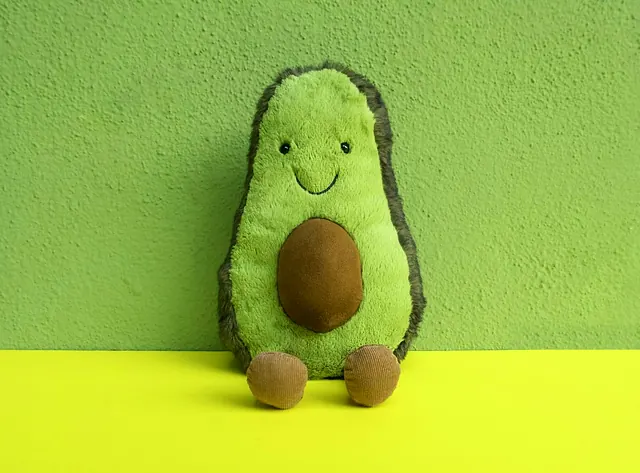
Our own photos, each with one of the free filters at full strength. Drag the line.
Good to know
What it does
Each tile shows the filter on a small copy of your own photo, so you see the look before you pick it.
9 filters are free: Black & white, Noir, Sepia, Vivid, Warm, Cool, Fade, Invert and Pencil sketch. 12 more are Premium, which is not on sale yet: Crisp, Bright, Soft, Golden, Sunset, Arctic, Film, Matte, Vintage, Rose, Teal and Silver. A Strength slider mixes the filter with the photo, from 0 to 100; a crop or more warmth are in the other tabs.
You can try a Premium filter on your own photo. Download with one on and you get it at up to 800 px on the long side; a free one gives the full size.
The filters
- Black & white and Noir: gray from each pixel’s brightness; Noir with stronger contrast.
- Sepia: the brown tone of an old print. Fade: lifted blacks, softer whites and less color.
- Vivid: more color and a little more contrast. Warm and Cool: a shift towards orange or towards blue.
- Invert: a negative. Pencil sketch: flat areas go white and edges stay as pencil lines.
Examples
- A product on a busy table, Pencil sketch at 100: a line drawing of it on white.
- A gray wall, red, green and blue 128, with Sepia: red 173, green 154, blue 120, a warm beige.
- A pale sky, red 150, green 180, blue 210, with Vivid: red 142, green 189, blue 236, a deeper blue.
How to add a filter to a photo
- Add your photos (up to 100 photos at once on the free plan, 25 MB each).
- Tap a tile to try a filter, then set its Strength; None takes it off.
- Press Apply edits and download one photo, or all of them as a ZIP.
Questions
Are all the filters free?
No. 9 filters are free: Black & white, Noir, Sepia, Vivid, Warm, Cool, Fade, Invert and Pencil sketch. 12 more are Premium, which is not on sale yet: Crisp, Bright, Soft, Golden, Sunset, Arctic, Film, Matte, Vintage, Rose, Teal and Silver. You can try a Premium filter on your own photo. Download with one on and you get it at up to 800 px on the long side; a free one gives the full size.
Can I use a filter and fix the light too?
Yes. The filter is one part of the edit: Crop and Light work on the same photo, and Undo takes off one step at a time.
How is the pencil sketch made?
The photo is turned gray and divided by a blurred negative of itself, so flat areas go white and edges stay dark. The blur grows with the photo, so the lines look the same in the preview and the download.
How many photos and how big can they be?
On the free plan you can add up to 100 photos at once, 25 MB and 8,200 px each. Remove takes up to 5 jobs a day on our server on the free plan.
Questions every tool shares are answered on the FAQ page.