Put the subject on a new color, a gradient or a picture of your own.
Background Paper
Extras None
File names Same as the photo
Empty keeps each name. Use {name}, {n} for its number, {width} and {height}: shop-{n} makes shop-1, shop-2.
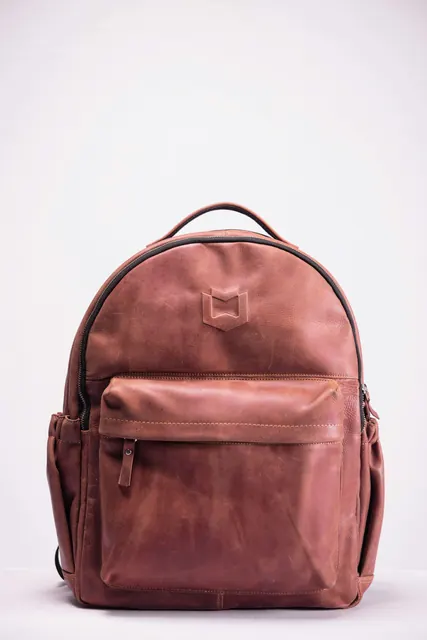
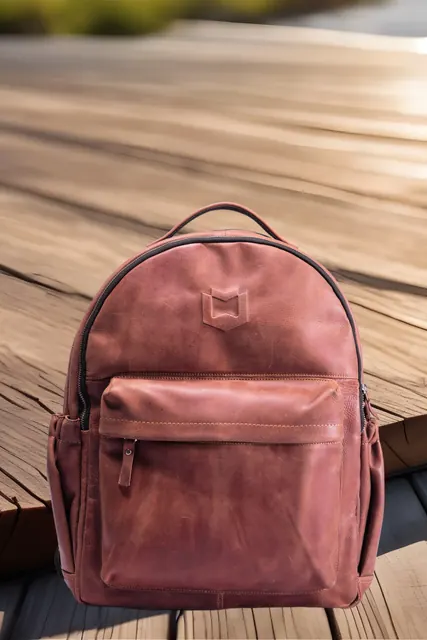
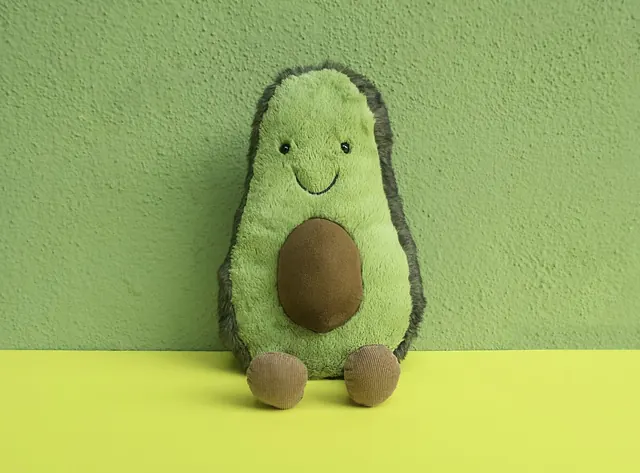
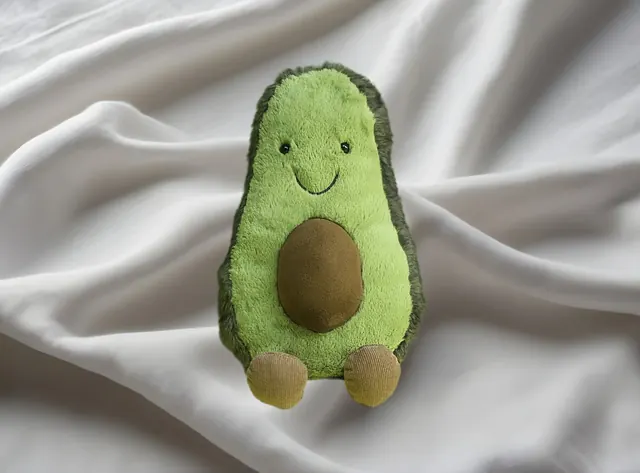
Before and after
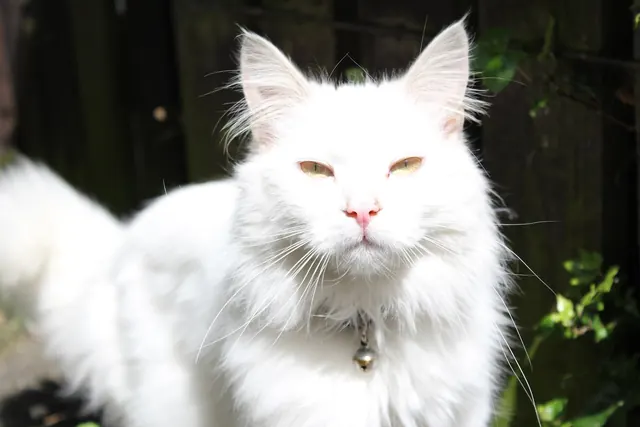
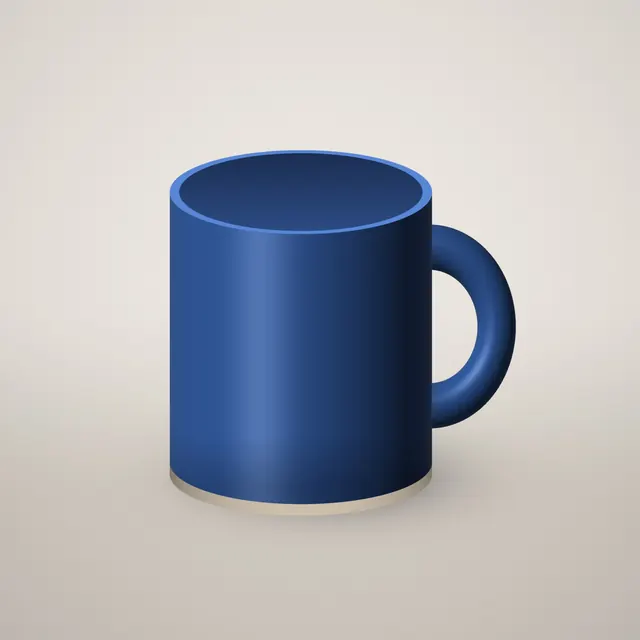
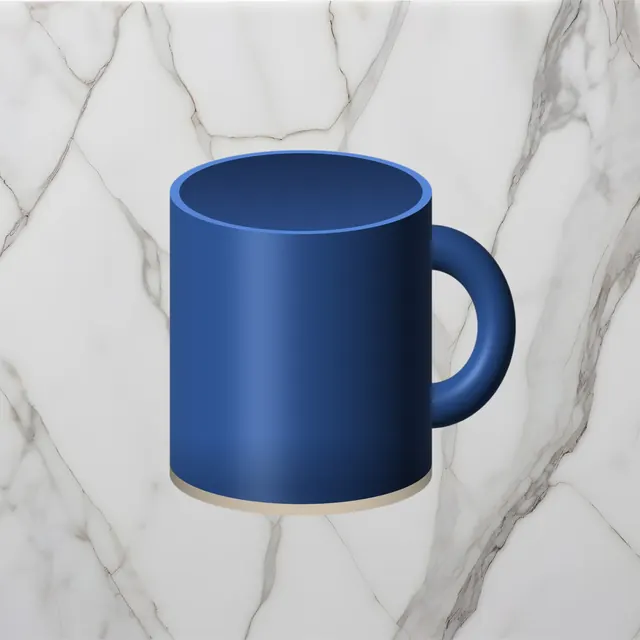
Our own products, cut out by the same model your photos go through and put on scenes anyone can use. Drag the line.

Good to know
What it does
Pick a studio color, a gradient or a picture of your own, and the subject is put on it.
The AI finds the subject, a product, a person or a pet, and lays it on the new background. The edge is cleaned on the way: the old background’s color is taken out of the rim, and the edge is softened by a pixel or two, so the subject doesn’t look cut out with scissors.
- “Image” fills the frame with your picture, centered: it is enlarged or shrunk to cover the photo, and what sticks out on two sides is cut off evenly, never stretched.
- Your picture is read on this device and used for this batch only; it is not kept with your settings.
- Your own color, from a HEX code such as #1F6B80 or the color picker, is Premium, which is not on sale yet. You can try a marked one on your own photo. Download with one on and you get it at up to 800 px on the long side; a free one gives the tool’s usual size.
- The result is a JPG in the photo’s shape, up to 2,000 px on its long side, with the photo’s name.
Which background to pick
- Studio colors
- Good for: Paper, Stone, Sand, Blush, Sage, Sky, Lilac, Ink: soft tones products look good on
- Your color
- Good for: Brand colors, from a HEX code. Premium
- Gradient
- Good for: Studio gray, Warm, Cool, Dusk, lighter at the top
- Image
- Good for: A room, a scene or a texture of your own
- White
- Good for: Marketplace main images on pure white (RGB 255)
Examples
- A 3000 × 4000 portrait on a busy street with Sage: portrait.jpg, 3000 × 4000, the street replaced by pale green.
- A mug on a kitchen counter with “Image” and a photo of a marble table: mug.jpg at the mug photo’s size, the marble behind it.
- A 1600 × 900 picture behind a 1000 × 1000 photo: only its middle 900 × 900 is used, enlarged to fill the square.
For a new background that looks real
- Pick a picture whose light comes from the same side as in your photo.
- For a shadow under the subject, use “Soft shadow” under Extras, so it stands on the new background.
- A soft or plain picture keeps the eye on the subject; Blur Background blurs the photo’s own background instead.
How to change the background of a photo
- Add your photos. On this page “Background” is Color.
- Pick a color, choose a gradient, or choose “Image” and pick a picture from your device.
- Press “Change background”, check the edges, and fix a wrong spot with “Edit cutout”.
Questions
Can I use my own photo as the background?
Yes. Choose “Image” under “Background” and pick a JPG, PNG, WebP, AVIF or HEIC picture up to 25 MB. It fills the frame, centered, behind every photo of the batch.
Is my background picture kept?
Only while the page is open, for this batch; choose it again next time.
Can I type a HEX color code?
It is Premium, which is not on sale yet. Choose Color, then the color wheel at the end of the row, and type a code such as #1F6B80 or #FFF, or use the color picker. You can try a marked one on your own photo. Download with one on and you get it at up to 800 px on the long side; a free one gives the tool’s usual size.
Why does the edge look clean on a new color?
The old background often tints the subject’s rim, such as a green glow from a green wall. Before the subject goes on the new background, the rim is moved back to the subject’s own colors and softened slightly.
Is the result full resolution?
On the free plan the result is up to 2,000 px on its long side: a smaller photo keeps its width and height, a larger one comes out scaled down to 2,000 px, in the same shape. “Crop to the product” trims the empty space around the subject. There is no watermark.
How many photos and how big can they be?
On the free plan you can add up to 10 photos at once, 25 MB and 8,200 px each. It takes up to 20 jobs a day on our server on the free plan.
Questions every tool shares are answered on the FAQ page.